Invitations
Invite colleagues to a workspace with a role. Invites arrive by email and appear in-app while signed in.
Invite someone
- Open Settings → Team members.
- Choose Invite member.
- Enter their email and select a role (admin, developer, or viewer - owners assign all non-owner roles).
- Send the invite.
Accept or decline
- Open the link from email or use the pending invites banner in the console.
- Review workspace name and role.
- Accept to join or decline to dismiss.
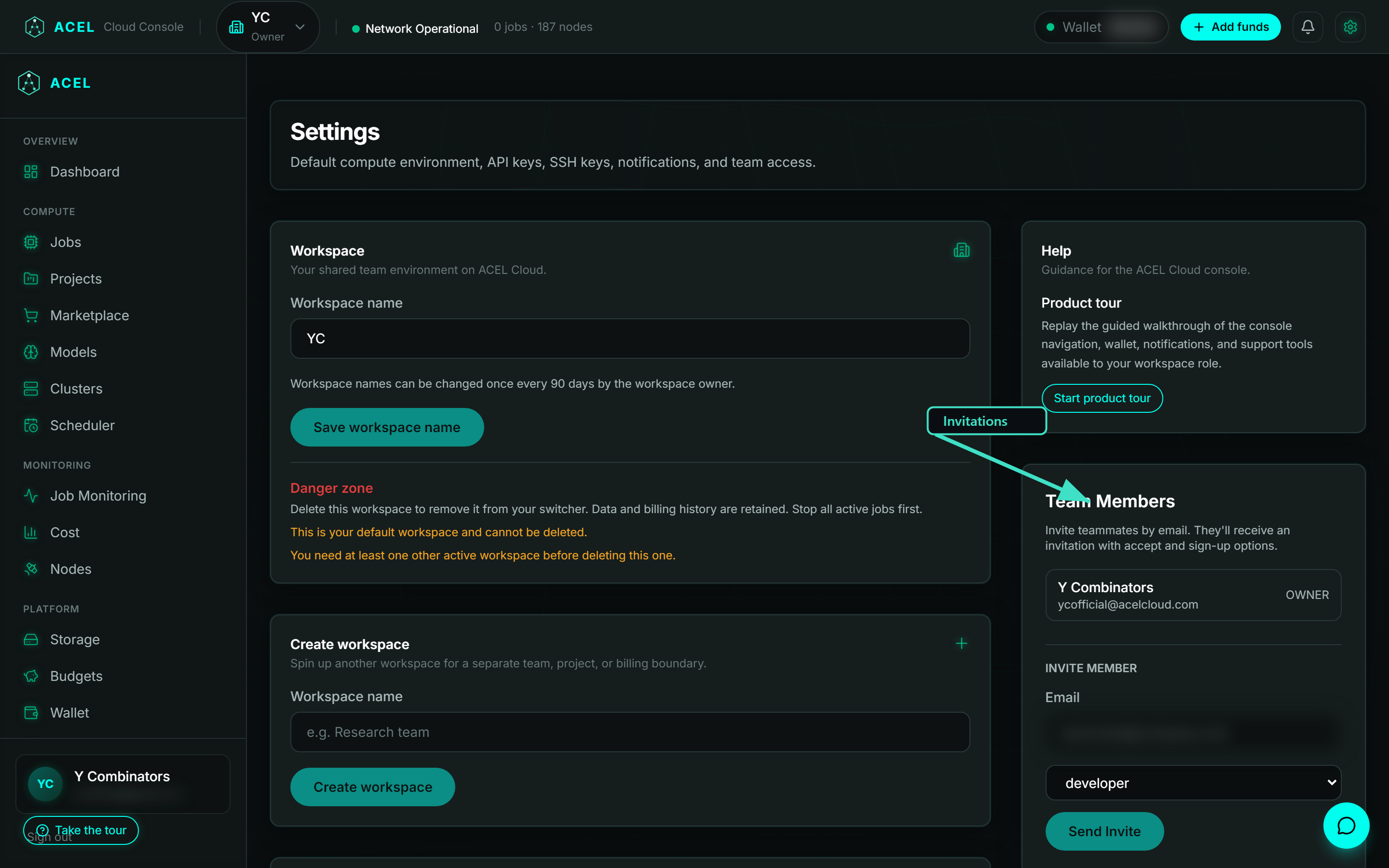 Team panel with invites and roles.
Owner role
Only the workspace owner can transfer ownership or delete the workspace. New invites cannot assign owner directly.