Contact support
In-app chat
Open the chat bubble in the bottom corner of the console to message support, share emoji reactions, and attach screenshots or files. Select an active workspace if prompted.
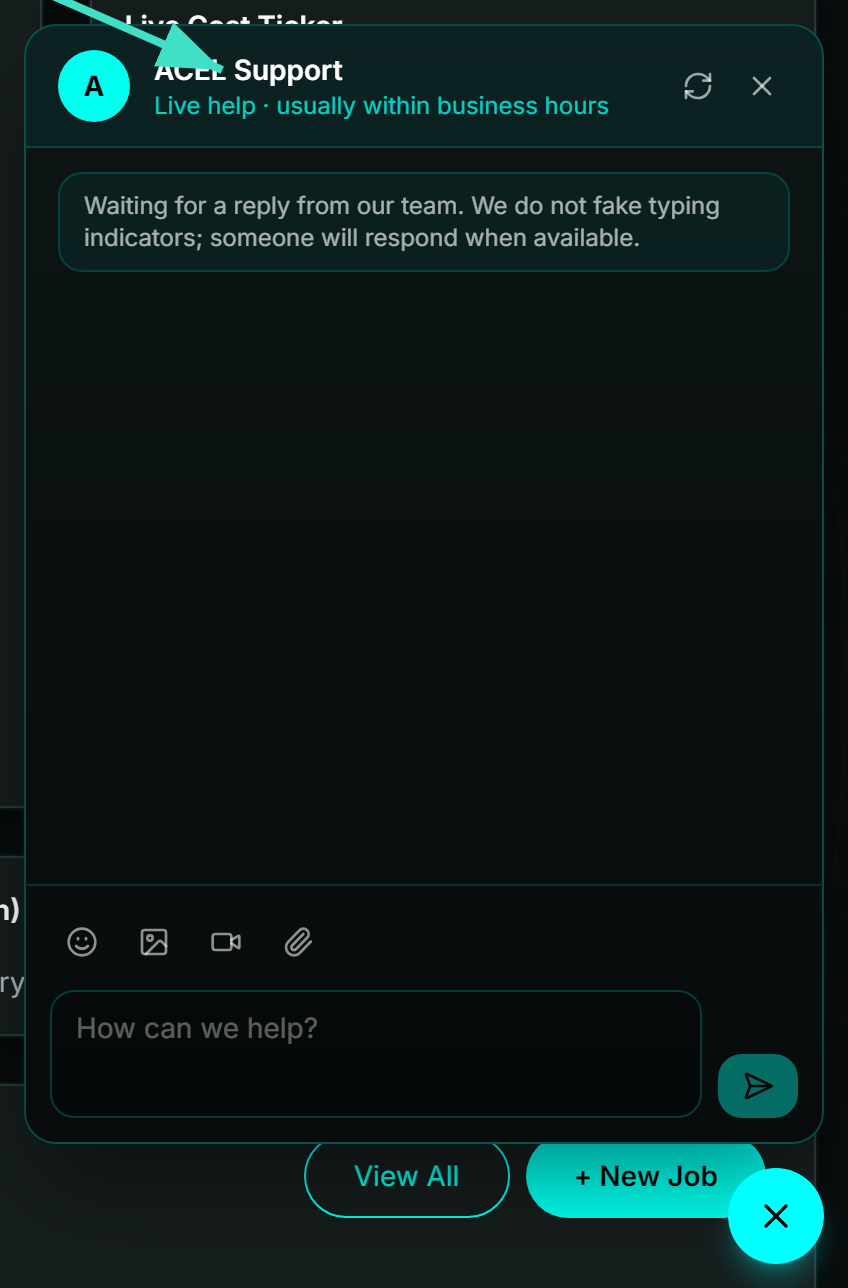 Opened support chat panel in the console.
Email
Write to [email protected] from your registered email for account-specific help when you are away from the console.
What to include
- Workspace name (not secrets)
- Job ID or payment reference
- UTC timestamp of the issue