Sign-in methods
ACEL Cloud supports email/password and OAuth providers on the same sign-in page.
Sign in with email
- Go to app.acelcloud.com/login.
- Enter your email and password.
- If two-factor authentication is enabled, enter your authenticator code or a backup code.
Sign in with Google or GitHub
- On the sign-in page, choose Continue with Google or Continue with GitHub.
- Complete the provider consent screen.
- If the provider email matches an existing ACEL account, you may need to link accounts (see Link accounts).
Create an account
- Open app.acelcloud.com/signup.
- Choose email/password or OAuth.
- Complete contact onboarding before accessing the dashboard.
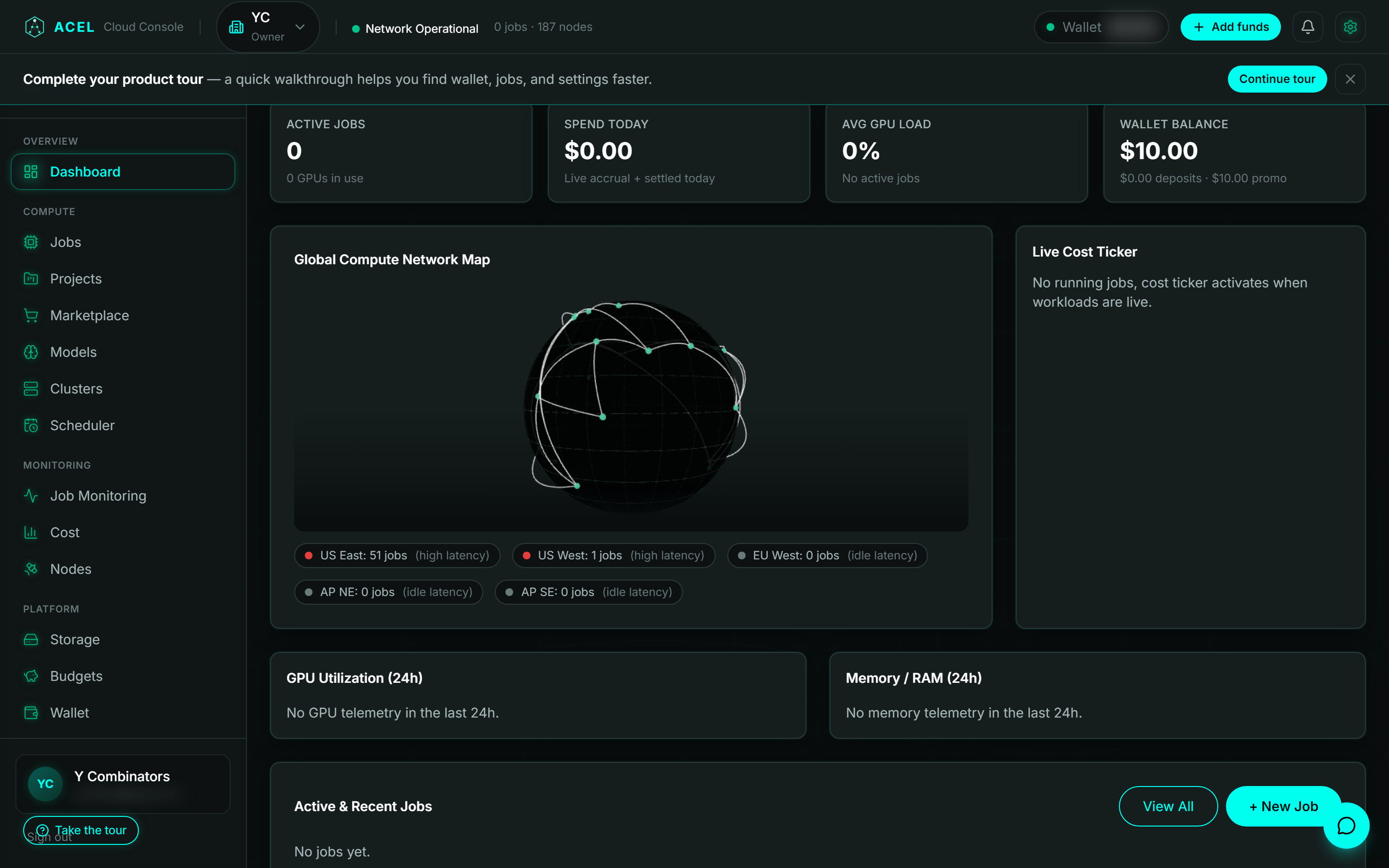 Email, Google, and GitHub entry points share one layout.
Password required later
OAuth-only accounts can set a password to sign in without the provider.