Set a password (OAuth accounts)
If you registered with Google or GitHub, you can add a password so you can sign in with email anytime.
Steps
- Open Settings and scroll to Password.
- If no password exists, choose Set password.
- Enter a new password that meets the strength requirements and save.
- Sign out and confirm you can sign in with email + password.
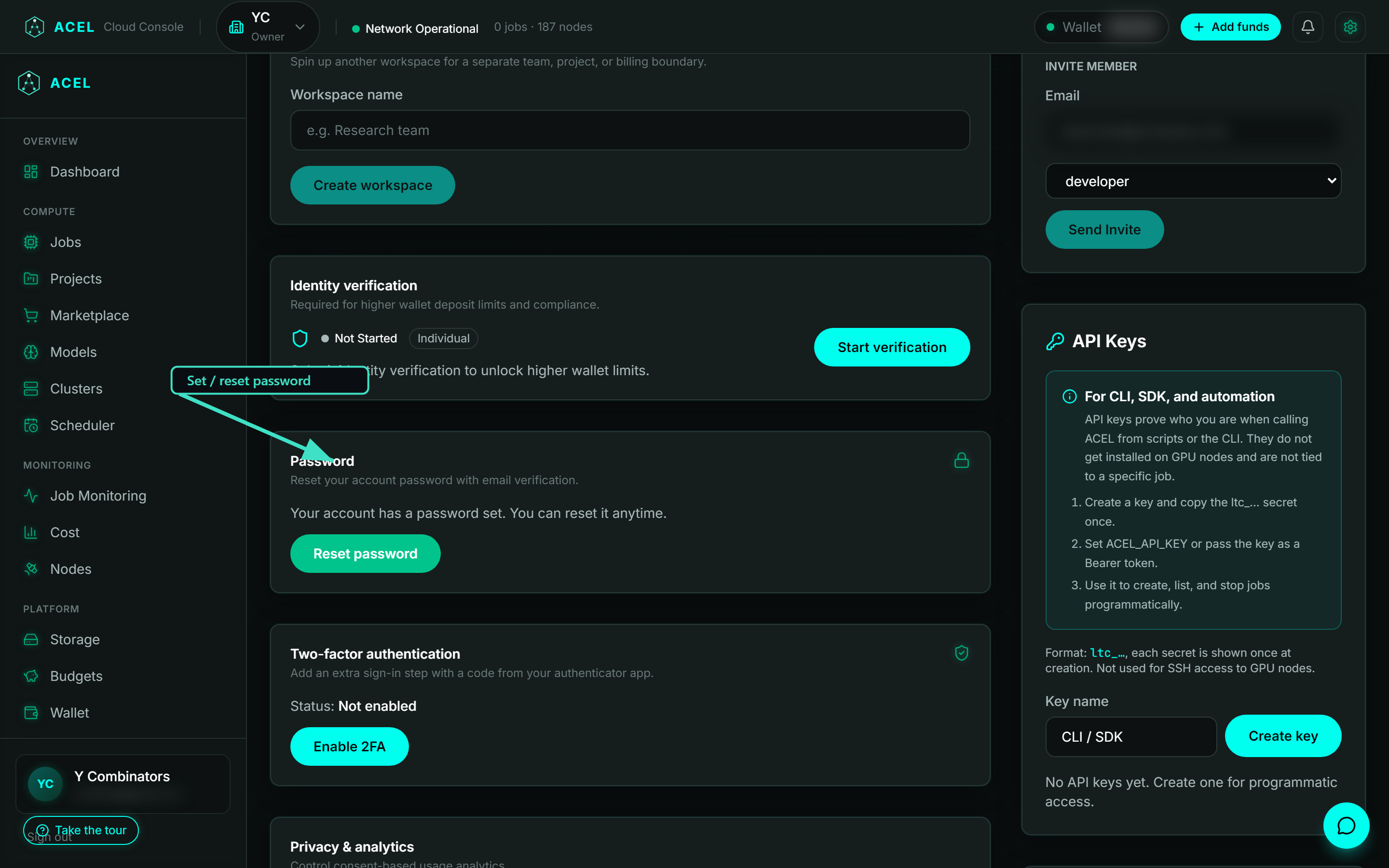 Settings → Password (set or reset for OAuth accounts).
Existing password
If a password is already set, the panel lets you change it instead (current password required unless you use reset flow).