API keys
Programmatic access uses workspace API keys sent as HTTP bearer tokens.
Create a key
- Open Settings → API keys.
- Enter a label and create the key.
- Copy the secret immediately - it is shown once and cannot be retrieved later.
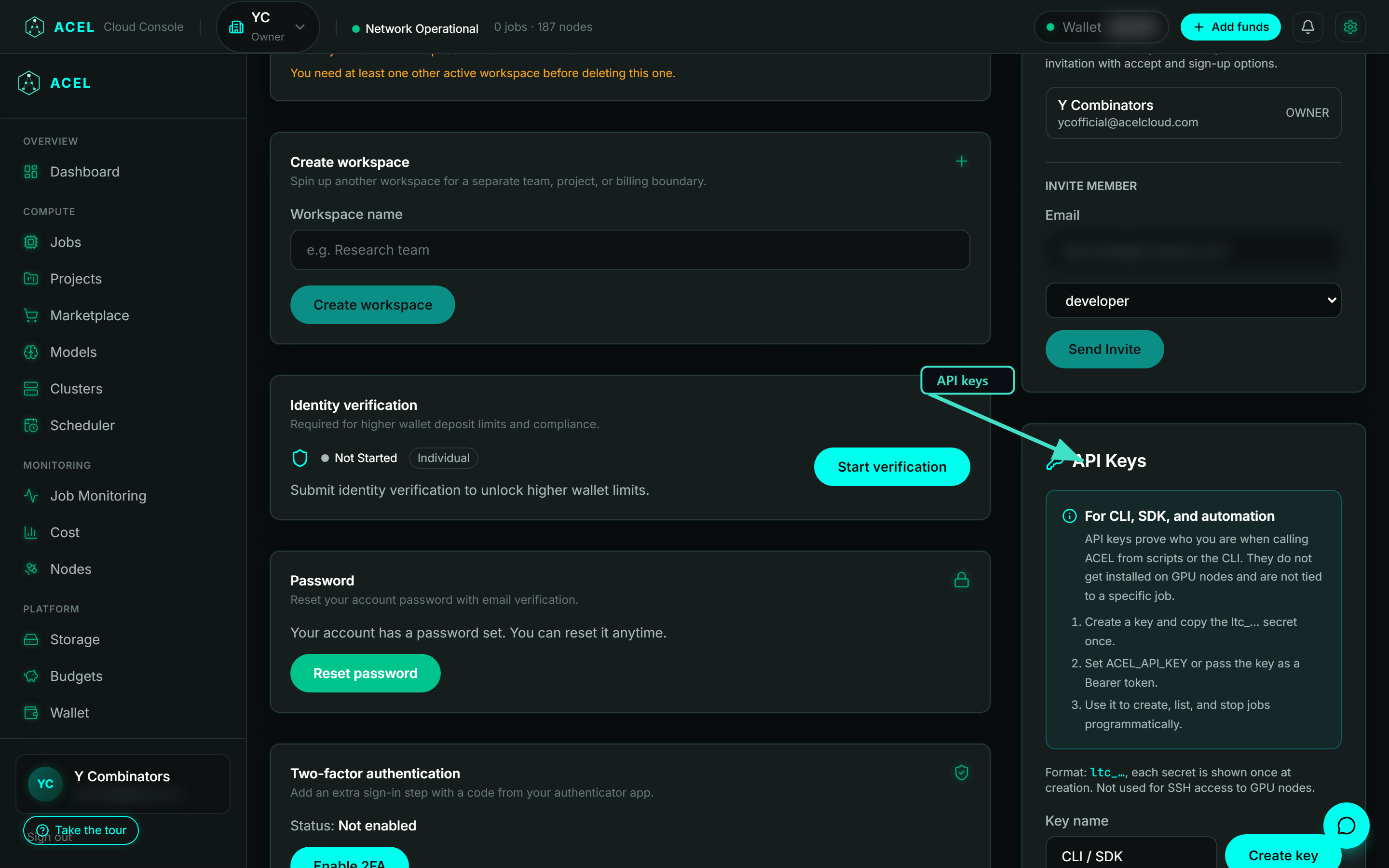 API key list; secrets are never shown in screenshots.
Use the key
curl -sS -H "Authorization: Bearer YOUR_API_KEY" \
 https://api.acelcloud.com/api/v1/jobs
Replace YOUR_API_KEY with the value you copied at creation time.
Revoke
Remove keys you no longer need in the same panel. Update automation before revoking production keys.
Never commit secrets
Do not store API secrets in Git, notebooks, or screenshots.
Next steps
Related pages
Developers console
Open Developers in the sidebar for interactive REST examples, GraphQL client, TypeScript SDK samples, and CLI command mappings.