Data warehouse exports
Connect Snowflake or BigQuery to export ACEL usage and billing datasets for analytics.
Configure
- Open Settings → Data warehouse exports.
- Choose Snowflake or BigQuery.
- Enter connection details shown in the form (account, warehouse, service credentials).
- Save and run a test sync if offered.
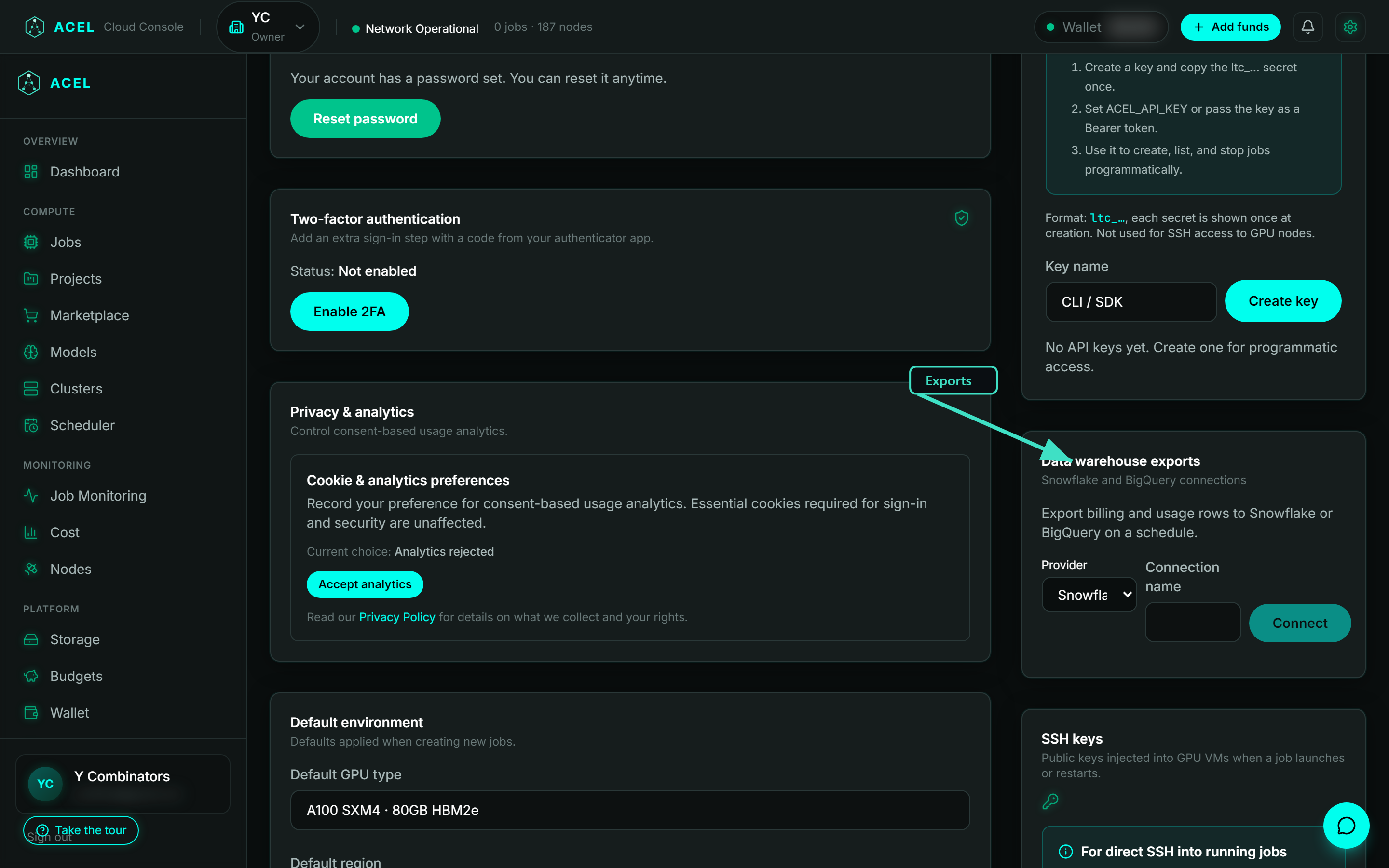 Snowflake and BigQuery export configuration in Settings.
Credentials
Use read-scoped service principals. Rotate credentials when team members leave.