Fund by card or bank (NGN checkout)
Card and bank payments run through checkout that charges your local currency (NGN) while crediting your workspace in USD.
Steps
- Click Add funds in the header or open Wallet.
- Choose Card / bank (Paystack checkout).
- Enter the USD amount you want credited.
- Review the charged as breakdown - NGN amount uses an exchange rate locked at checkout (short TTL).
- Complete payment on the secure checkout page.
- Return to the console; balance updates after confirmation.
Minimum deposit
If checkout fails validation, increase the amount to at least the shown minimum deposit for card funding.
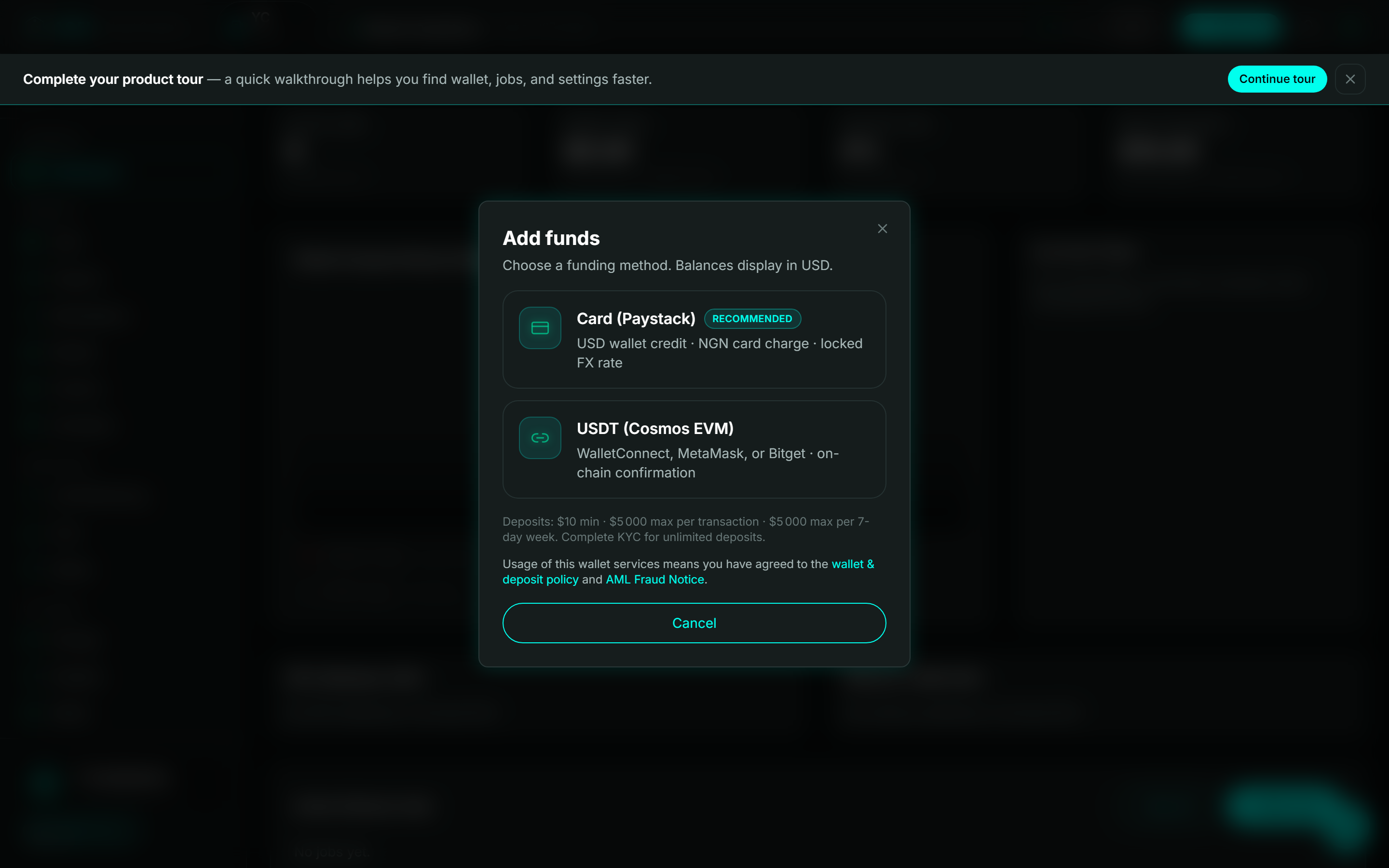 Deposit modal before confirming checkout (capture does not complete payment).