Logs, metrics, and browser terminal
Logs
On the job detail page, open Logs for stdout/stderr streams. Use filters and time range controls when available.
Metrics
Metrics charts GPU utilization, memory, and network telemetry when the job emits them.
Browser terminal
If your role includes job:terminal, open Terminal for an in-browser shell on the running VM.
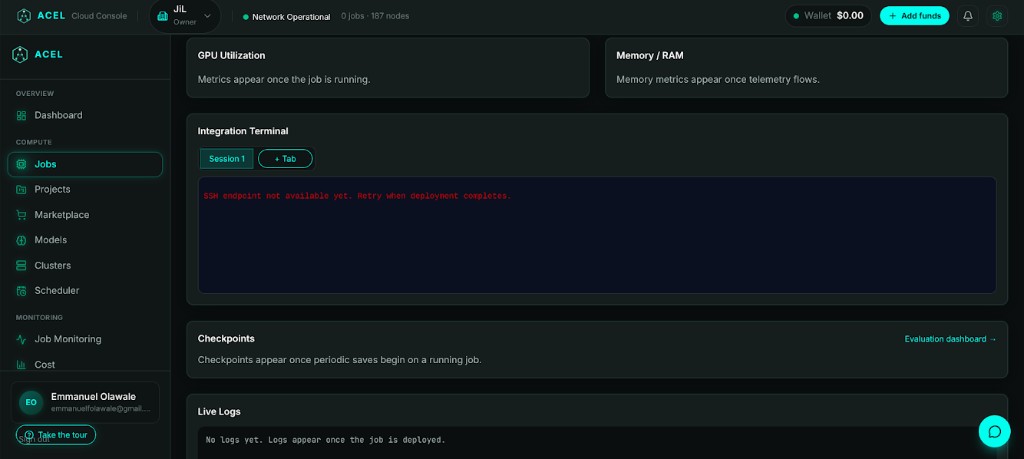 Job detail panels for GPU metrics, browser terminal, checkpoints, and live logs.
Sensitive data
Logs and terminals may contain secrets you printed. Rotate credentials if exposed.