Job sources
The launch modal offers tabs for how your workload image is defined.
Template
Use ACEL-managed templates and optional catalog Models. Pick a runtime framework (PyTorch, TensorFlow, JAX, TensorRT, ONNX, CUDA, and any other frameworks shown as available). Startup script defaults from Settings apply.
Custom Docker image
Provide an image reference compatible with the selected GPU runtime. You are responsible for registry access from provider nodes.
Deploy from Git repo
- Open Launch Compute Job and choose Deploy from Git repo.
- Enter a public HTTPS Git URL.
- Complete any build steps shown in the modal (the platform builds and scans the image).
- Launch after the build succeeds.
Upload archive
- Choose the upload archive tab.
- Select a source archive from your machine.
- Wait for the secure build to finish - the job record pins the archive checksum.
- Launch with the built image.
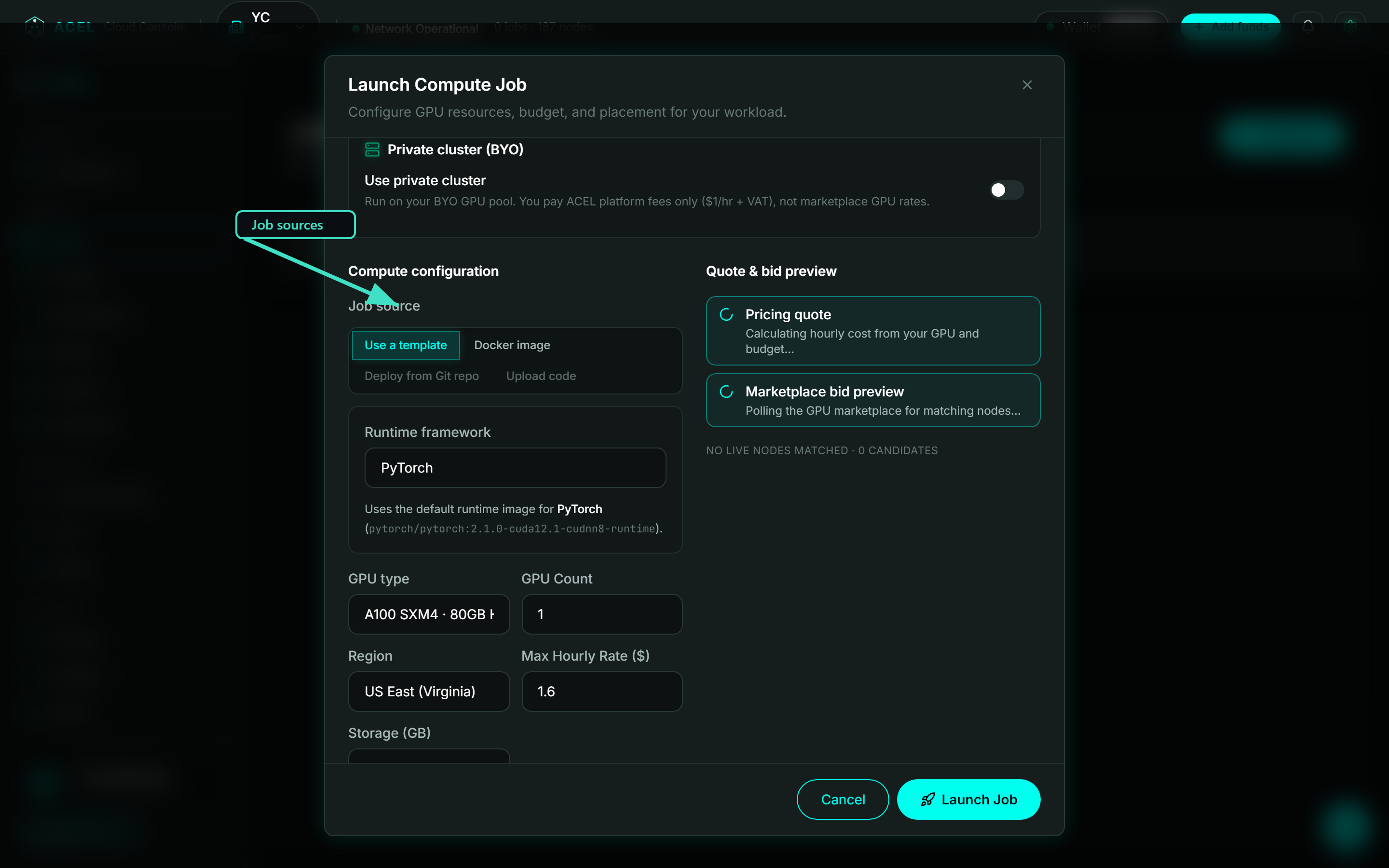 Launch Compute Job source tabs: template, Docker, Git, and upload.